Connect Claude to your website
- Install Claude
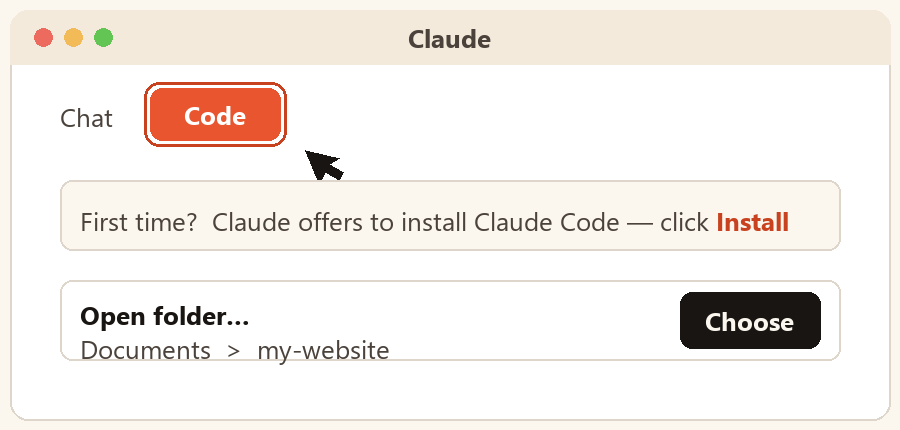
Download the Claude desktop app at claude.ai/download (Claude Code is included with the Pro or Max plan). The first time you use the Code tab, Claude offers to install Claude Code — click Install.
- Switch to the Code tab & choose a folder
Click Code at the top of the Claude window, then choose a folder, e.g. Documents › my-website.
- Provide your login
Put your logins in a file in that folder — access.txt: site address · hosting or FTP login (host, username, password) — database name, username, password — and WordPress login (username, password) (optional).
- Just ask
You: Read access.txt, then update the prices on my services page.